Access Guide
Prox Cards Explained: Formats, Facility Codes, and Ordering
What a proximity card is, the three numbers that have to be right before one works, 26-bit versus 37-bit formats, and what we need to program yours.
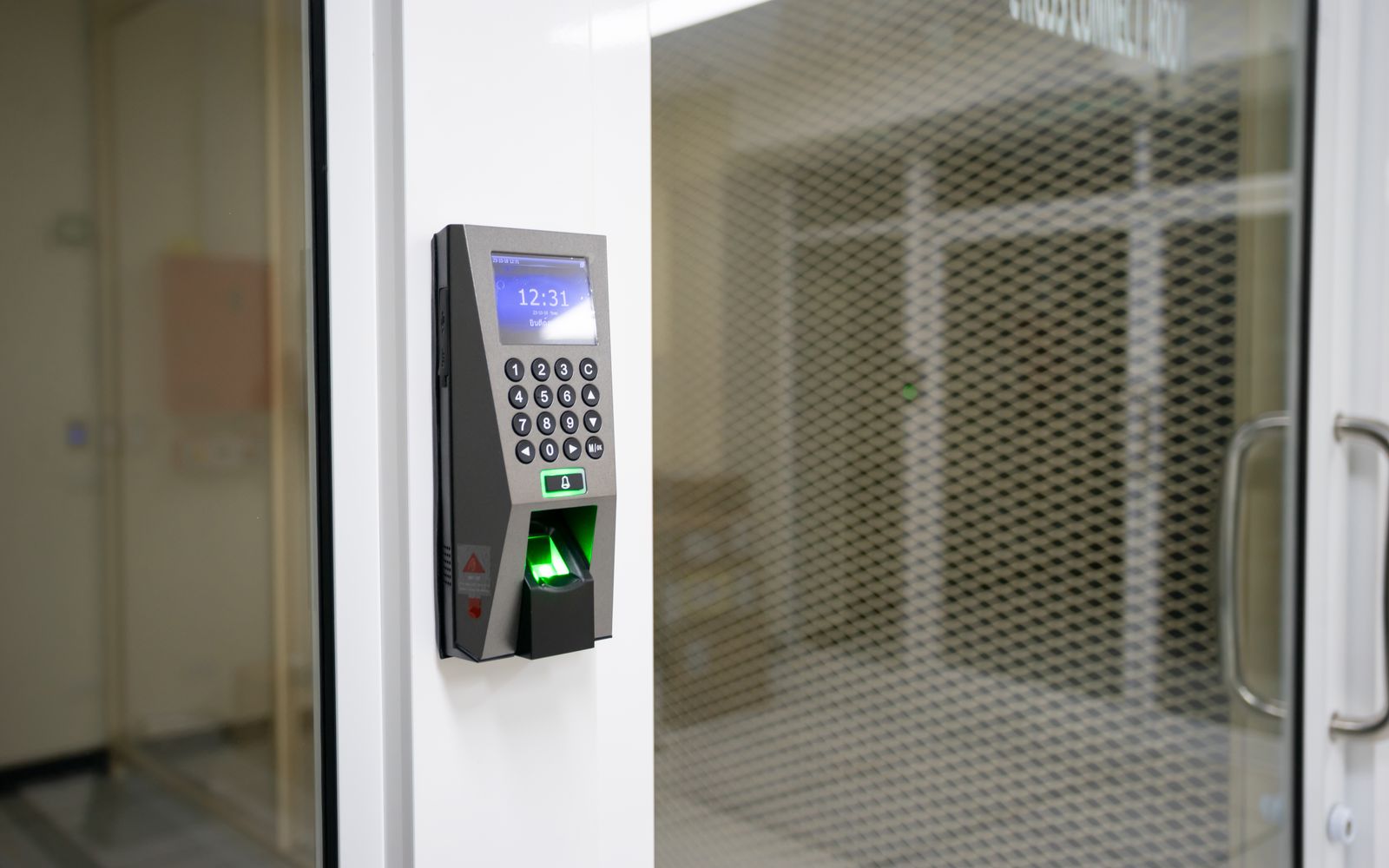
Prox cards are the plastic cards people tap or hold against a reader to open a door. They have been in service since the late 1980s, they are still the most common access credential in North America, and most of what confuses people about them comes down to three numbers printed nowhere on the card. This page explains what a prox card is, what has to be programmed onto it, and how to order replacements that work on the first tap. For the wider picture, including smart credentials and magnetic stripe, our guide to access credentials and encoding is the pillar this page sits under.
What a prox card actually is
A proximity card contains a coil of wire and a small chip, sealed inside the plastic. There is no battery. When you hold the card near a reader, the reader emits a 125 kHz radio field, the coil picks up just enough energy from that field to wake the chip, and the chip transmits a number back.
That is the whole mechanism. The reader receives a number, passes it to your access control panel, and the panel decides whether that number is allowed through that door right now. The card itself has no idea who you are, what door you are standing at, or whether you are authorized. It only knows its own number.
This is worth understanding, because it explains almost every prox card problem we get asked about. A card that does not work is nearly always a card whose number is wrong, in the wrong format, or not yet loaded into the panel. It is very rarely a broken card.
The three numbers on every prox card
Every working prox card carries three pieces of encoded information, and you need all three to order more.
The facility code, sometimes called a site code, identifies your organization. It exists so that a card from the building next door does not happen to open your door just because the card numbers overlap. Two organizations can both have a card numbered 1042, and the facility code is what keeps them apart.
The card number is the individual credential number, and it is the one your access software ties to a person.
The format describes how those numbers are arranged into the bit string the reader transmits. This is the part people most often do not know, and it is the part that most often causes a batch of new cards to fail.
None of the three is reliably printed on the card. Some cards carry an external number printed or laser engraved on the back, but that printed number is not always the encoded number, and on plenty of programs it is a separate inventory number entirely. Do not assume the number you can read is the number the reader sees.
26-bit, 37-bit, and why the bit count matters
The format is usually described by how many bits it uses. The most common by a wide margin is 26-bit H10301, an open standard supported by essentially every access control panel made in the last thirty years.
26-bit gives you 8 bits of facility code and 16 bits of card number, which works out to 255 possible facility codes and 65,535 card numbers within each one. That was generous when it was introduced and it is tight now. Because there are only 255 facility codes and the format is open, plenty of organizations end up sharing one, and 26-bit cards from different suppliers can collide.
37-bit H10304 is the common step up. It carries 16 bits of facility code and 19 bits of card number, so roughly 65,000 facility codes with over half a million card numbers each. Collisions become far less likely simply because the number space is so much larger.
Beyond those two there are hundreds of proprietary and manufacturer-specific formats. If your system was installed by an integrator who used a format registered to them, you may not be able to buy matching cards from anyone else. That is by design, and it is a fair question to ask an integrator before you are committed.
We program the common formats, including 26-bit H10301 and 37-bit H10304, plus many proprietary ones. If you do not know your format, send us a working card and we will identify it.
Card bodies, and what you can print on
The credential technology and the physical card are two separate decisions. The same 125 kHz prox chip goes into several different card bodies, and which one you want depends mostly on whether the card is also a photo ID.
The one most organizations want is a standard ISO-thickness PVC prox card, 30 mil, the same size and thickness as a credit card. It is directly printable, so it can carry a photo, a name, a logo and a barcode, and it fits every badge holder, reel and clip on the market. The HID version of this is the 1386 ISOProx II, and it is what we stock.
Prox key fobs put the same credential on a keyring instead. They cannot carry a photo, so they suit parking gates, contractors, and anywhere the credential does not need to double as identification. They are also harder to lose than a card, which matters more than it sounds.
If your badges are worn hard, in a plant or a hospital, a composite PVC and polyester card body holds up better than plain PVC and tolerates the heat of retransfer printing without warping.
The one body we do not stock is the clamshell, the thick card commonly sold as the 1326 ProxCard II. It is around twice the thickness of a standard card, which puts it past what a card printer can feed and print, so it cannot carry a photo. Programs on clamshell almost always end up issuing two things, a clamshell for the door and a separate printed ID for the face, and the clamshell will not fit a standard slot punch or a wallet either.
If that is what you buy today, the switch is easier than people expect. The credential inside a clamshell is ordinary 125 kHz HID Prox, exactly what a 1386 ISOProx II carries. Encode a 1386 with your existing facility code and card number and your readers behave identically, except now one printable card is both the badge and the key. Nothing changes at the panel and no reader has to be touched. Send us a working clamshell and we will read the format and facility code straight off it, so you can see what the replacement would be before committing to anything.
Custom printed prox cards
You can have prox cards printed and programmed before they arrive, or you can buy them programmed and print them yourself.
Printing them yourself gives you same-day replacements, which is the main reason organizations own a card printer at all. A prox card is flat enough that a direct-to-card printer handles it without trouble, so you do not need a retransfer machine unless your design runs to the edge of the card. Our guide to direct-to-card versus retransfer printing covers that choice properly.
Having us print and program the batch makes sense when you are issuing in one run, at the start of a term or after a rebadge. You send the artwork and the cardholder data, and finished cards arrive ready to hand out. Note that we print artwork you supply. Designing the card itself is not something we do.
Cloning, and the honest security position
A 125 kHz prox card broadcasts its number in the clear. There is no encryption and no challenge between the card and the reader. A cloning device sold openly online can copy one in a couple of seconds from a pocket's distance.
We would rather say that plainly than sell cards on a claim that is not true. Prox is a convenience technology rather than a security technology, and it has been that way for a long time.
Whether that matters depends entirely on what is behind the door. For an office suite where the real security is a locked building, a camera and a person at the front desk, prox is perfectly reasonable and it is inexpensive. For a pharmacy, a server room, an evidence locker or a cash office, it is not, and the upgrade path is a 13.56 MHz encrypted credential such as HID iCLASS SE or SEOS. Our guide to smart cards explains what actually changes when you move up.
The catch on upgrading is that the readers have to change as well, not just the cards. That is a project rather than a purchase, which is a large part of why so many prox systems are still running.
What we need before we can program yours
To ship cards that work the first time, we need four things:
- Credential type or part number, for example HID Prox 1386 ISOProx II.
- Wiegand format, usually 26-bit H10301 or 37-bit H10304.
- Facility code, the number that identifies your site to the reader.
- Starting card number and quantity, so the new cards continue your sequence instead of duplicating it.
Without the facility code and the format we cannot encode a working card, so it is worth gathering these before you order rather than after. All four are usually visible in your access control software, and if they are not, a working sample card mailed to us will give us the format and the facility code.
One thing to watch on the starting number: if you guess and overlap with cards already issued, two people end up holding the same credential number and your audit log cannot tell them apart. Check the last issued number in your software first.
Ordering prox cards
Standard combinations, HID Prox in 26-bit or 37-bit, are programmed and shipped from stock, so you can order them directly. Proprietary formats and anything unusual we program in house against a quote.
If you are not certain what you have, the prox card finder walks through a few questions and points you at the right credential. Or send us a working card and we will read it.
Everything we program is covered on our prox and access card programming service, and blank stock and compatible alternatives sit in Cards and Credentials. We program HID credentials only, so if your system runs something else we will tell you at the start rather than after you have ordered.