Printing Guide
Direct-to-Card vs Retransfer Printing
How the two printing methods differ in edge coverage, durability, speed and cost per card, and which one your card design actually needs.
Watch: Direct-to-Card vs Retransfer Printing · Card Imaging on YouTube
Every ID card printer uses one of two printing methods, and choosing between them settles most of what you will spend, both on the machine and on every card it produces afterwards. This page explains the difference in practical terms. If you are working through a printer purchase more broadly, start with our guide to choosing an ID card printer and come back here for the detail.
How direct-to-card printing works
A direct-to-card printer, usually shortened to DTC, presses a heated printhead against a ribbon which sits against the card. The heat transfers dye from the ribbon straight onto the card surface, one color panel at a time, and a final clear overlay panel seals the result.
It is simple, it is fast, and there is only one consumable in the print path. That is why direct-to-card machines cost less to buy and less to run, and why they make up the majority of card printers in service.
The limitation is physical. The printhead cannot press right to the very edge of the card without running off it, so a thin unprinted margin remains around the perimeter. It is small, roughly a millimeter, but it is there.
How retransfer printing works
A retransfer printer prints the image in reverse onto a clear film rather than onto the card. That printed film is then rolled onto the card under heat and pressure, fusing image and film together onto the surface.
Because the film is larger than the card and gets trimmed at the edge, the image can run right over it with no border at all. And because the printed side of the film ends up face down against the card, the ink sits underneath a layer of film rather than exposed on top.
The cost is complexity. There are two consumables instead of one, the process is slower, and the machines are more expensive to begin with.
The edge, and whether it matters to you
This is the difference people notice first, and it matters entirely depending on your card design.
If your card has a white background with a photo and text in the middle, a direct-to-card print looks identical to a retransfer one. The unprinted margin is invisible against a white card.
If your card has a colored background, a full-bleed photograph, or a solid color band running to the edge, that margin shows as a fine white line around the card. Some organizations never notice. Others find it unacceptable on a card that represents them.
There is a third option worth knowing: redesign the card with a deliberate white margin. Done well it looks intentional rather than like a limitation, and it lets you use the cheaper machine. Our edge-to-edge versus over-the-edge guide covers the terminology, which manufacturers use loosely.
Technology cards and uneven surfaces
This is the argument for retransfer that gets overlooked, and it is often the more important one.
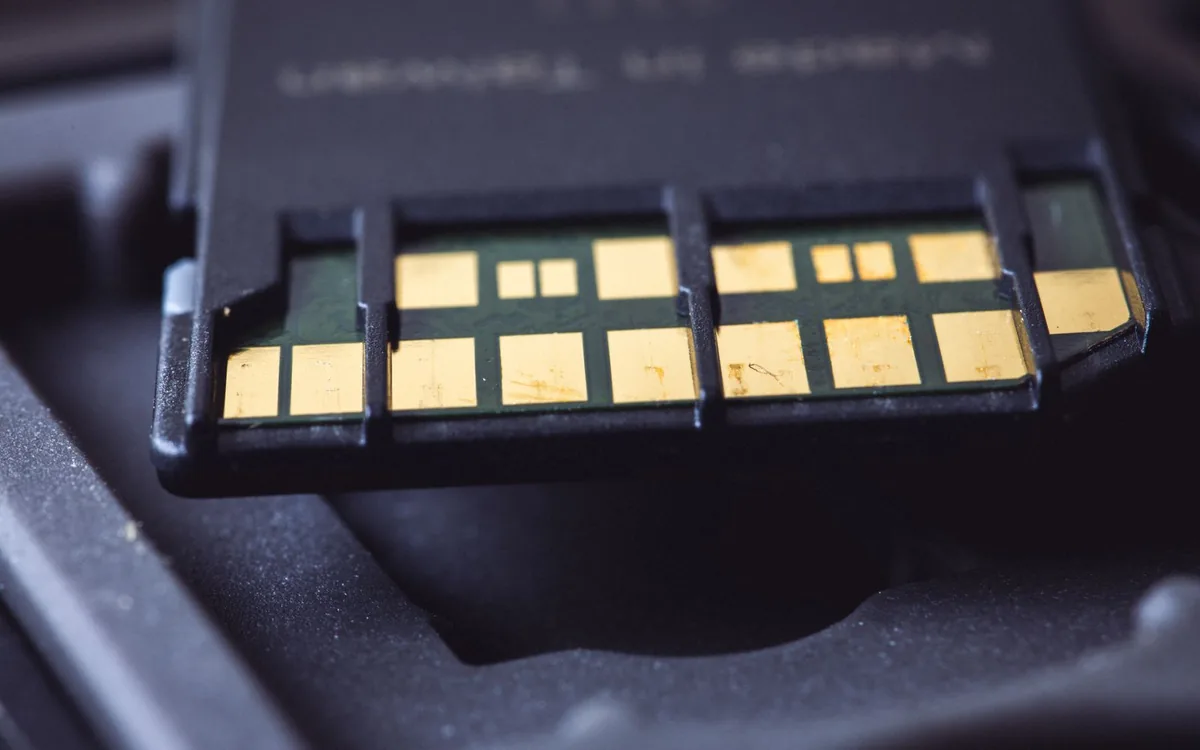
A card carrying a contact smart chip is not perfectly flat. The chip module sits very slightly proud of the surface. A direct-to-card printhead pressing against that raised area can produce a visible distortion around the chip, and over time printing across raised surfaces wears the printhead unevenly.
A retransfer printer never touches the card with the printhead. It prints onto film and then rolls that film on, so it conforms over a raised chip and produces a clean result. If you are issuing contact smart cards in any quantity, this is a genuine reason to choose retransfer rather than a marketing point.
Proximity and contactless cards are usually flat enough that either method works, though thicker composite prox cards can benefit too.
Durability
On a direct-to-card print the image sits on the card surface with only the overlay panel protecting it. That overlay is effective and it is why overlay panels exist, but the print is still relatively near the surface.
On a retransfer print the image is underneath the transfer film. Abrasion takes the film first, and the film is doing a job the overlay panel does on a direct-to-card print, only thicker.
In practice, a badge worn daily in an office will look fine either way for years. A badge in a plant, a hospital, or anywhere it is handled constantly and wiped with cleaning products will hold up noticeably better from a retransfer machine. If your current badges look worn out after six months, this is the upgrade worth costing.
Speed and cost per card
Direct-to-card wins both, and by a clear margin.
A direct-to-card printer typically produces a full-color card in somewhere around 16 to 25 seconds. A retransfer printer takes longer because it runs a second process, often in the region of 25 to 30 seconds for a comparable card.
On running cost the gap is wider, because retransfer consumes two things. You buy a color ribbon and you buy transfer film, and they deplete at different rates. On the Fargo HDP6600 the color ribbon gives 750 prints and the clear film around 1,500, so you get through two ribbons per roll of film.
Work out cost per card for both before deciding. Our ribbon compatibility and yield guide lists the manufacturer's yield on everything we carry, which is the figure that calculation needs.
Resolution
Most direct-to-card printers print at 300 dpi, with some offering an enhanced 300 x 600 dpi mode for sharper text and barcodes.
The retransfer machines we supply print at 600 dpi. On a photograph the difference is subtle. On microtext, fine security patterns and very small type it is clearly visible, which is part of why retransfer is the usual choice for government and high-security credentials.
So which should you buy
Direct-to-card is the right answer for most organizations, and we say that despite it being the less expensive option. If your card design has a white margin or can be adjusted to have one, your cards are flat, and you are printing employee, student or member IDs, a direct-to-card printer will serve you well for years at a lower cost per card.
Choose retransfer if any of these apply: your design needs color running to the edge and redesigning is not acceptable, you issue contact smart cards or other cards with uneven surfaces, you need 600 dpi for security features, or badge durability has become a recurring complaint.
A pattern worth considering for larger organizations is running both. A direct-to-card machine handles the volume, and a retransfer machine handles the smaller run of premium or high-security credentials. That is often cheaper than forcing one machine to do both jobs.
What we supply
Our direct-to-card range covers the Fargo DTC family, the Evolis Primacy 2 and Zenius 2, and the Magicard 300, 600 and Pronto100. Our retransfer machines are the Fargo HDP6600 and HDP5000 family and the Evolis Agilia.
Full specifications for each are on the product pages in our ID card printer range, and the printer finder narrows the list by what you actually need.
If you are weighing the two methods against a specific card design, send us the design. We will tell you plainly whether direct-to-card will do the job, because in a lot of cases it will and that saves you money.