Reviews and overviews
Magicard 300 Review and Setup Guide
3:14 · Published February 4, 2026 · Watch on YouTube
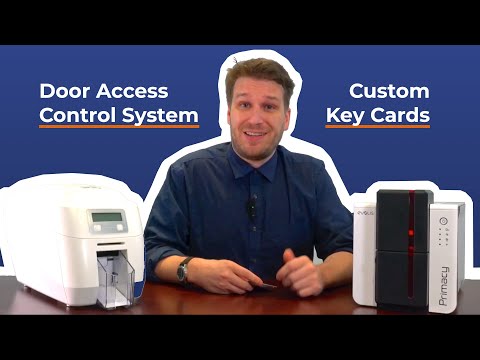
Chris Rajki walks through the Magicard 300: who it suits, what it prints on, and what to expect when you set it up.
Who the Magicard 300 is for
The Magicard 300 is built for small and medium-sized organizations printing roughly 100 to 2,000 cards a year. Its strength, as Chris puts it, is consistency: it prints card after card without many errors, and the cards it produces last for years.
It prints at 300 DPI on a range of media, including RFID cards, door access cards and standard employee IDs. It is an edge-to-edge printer, so finished cards keep a very thin white border that most people never notice. Chris also mentions a security feature Magicard calls Digital Shredding, which he describes as making the card image disappear.
Setup takes a little more know-how than an office laser printer. That is where Card Imaging's support team comes in, from first setup through to your first print run.
The short version
- Sized for roughly 100 to 2,000 cards a year.
- Prints at 300 DPI on RFID, door access and standard ID cards.
- Edge-to-edge printing with a barely visible border.
- Setup support is available from Card Imaging.
Where this applies