Five ready-made layouts for employee badges, visitor passes, student IDs, membership cards and contractor badges. Open one in our card builder, add your logo and wording, then download it or send it to us to print.
Every template is a standard CR80 card, the size of a credit card, laid out horizontally with a front and a back. They open in our card builder, which runs in your browser, so there is nothing to install. Change the wording, colors and layout, drop in your logo, and mark which boxes change for each person. When it looks right, download the front and back as 300 dpi images, or send the design to us to print.
FrontBack
Employee ID card template
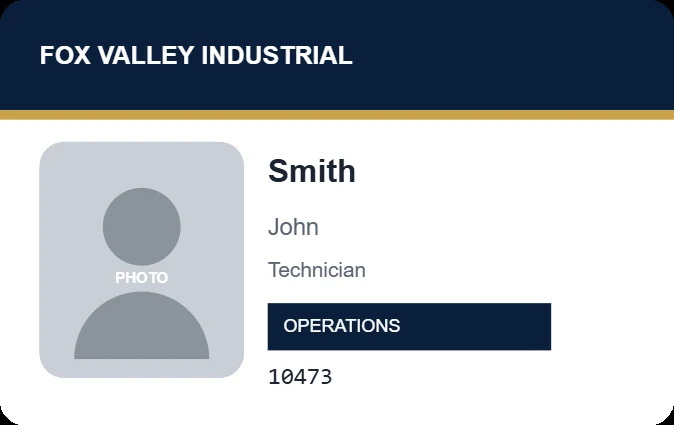
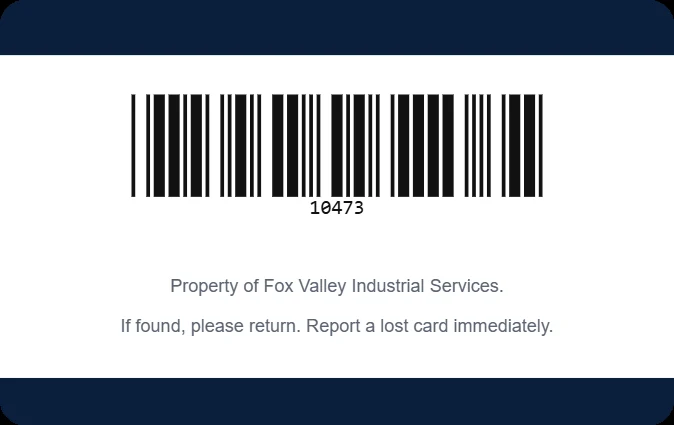
Your company name on a navy header with a gold rule beneath it, a large photo, the last name in bold with the first name below, a job title and a department chip. The employee number prints on the front, and the back carries the same number as a barcode with a return-if-found line.
Fields: First name, last name, title, department, employee number, photo
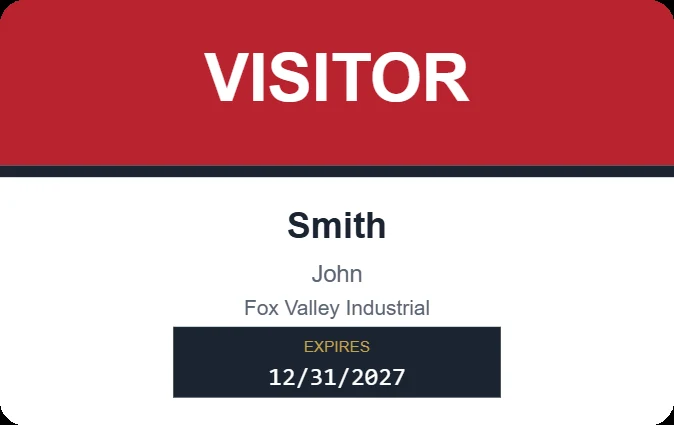
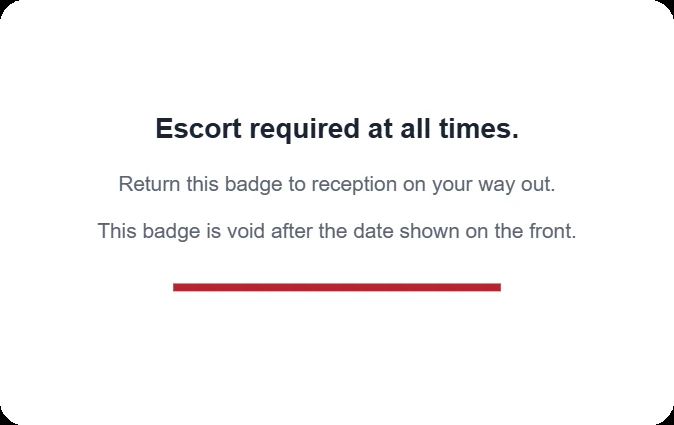
A big red VISITOR band that reads from across a lobby, the visitor's name and company, and the expiration date in a dark block. There is no photo, so a badge can print the moment someone signs in. The back reminds the wearer that an escort is required and that the badge is void after its date.
Fields: First name, last name, company, expiration date
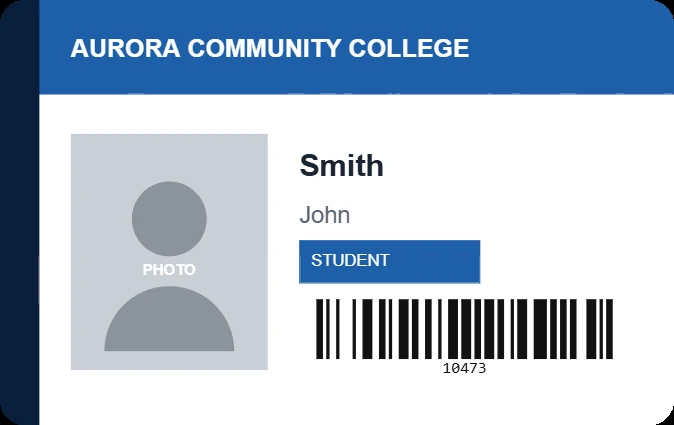
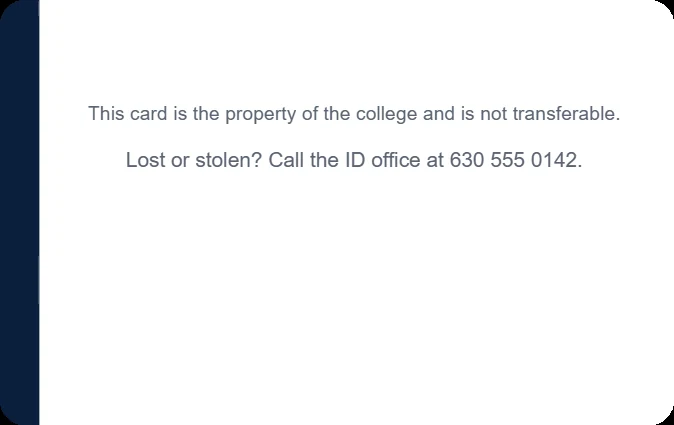
A school-color header and a dark spine down the left edge, a photo, the student's name, a STUDENT chip and a barcode of the student ID number on the front, ready for library and lunch line scanners. The back says who to call if the card is lost.
Fields: First name, last name, student ID number, photo
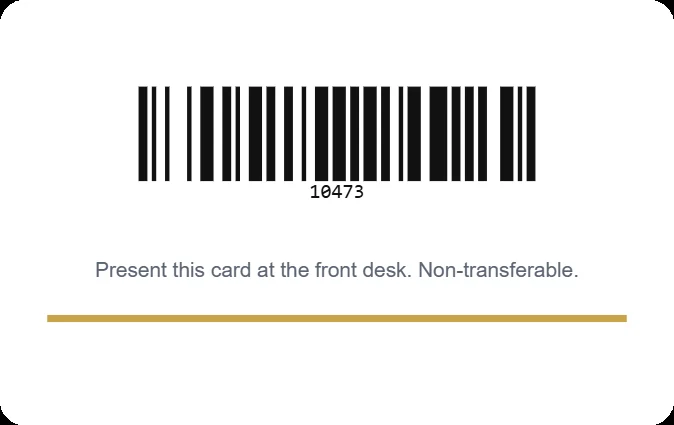
A dark card with gold accents and no photo, made to look like it is worth keeping. The member's name and number sit on the front, and the back carries the number as a barcode for check-in at the front desk.
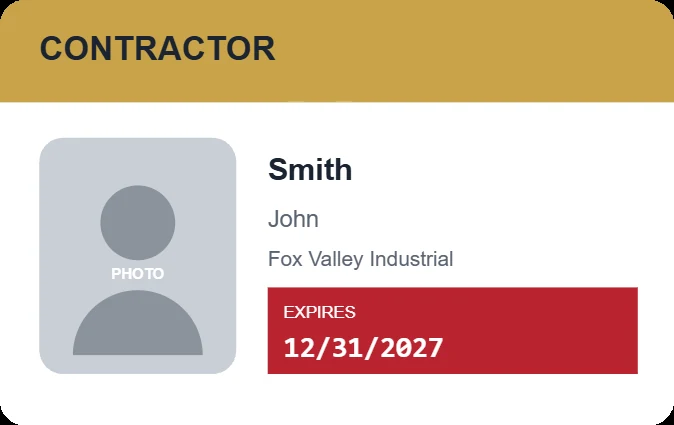
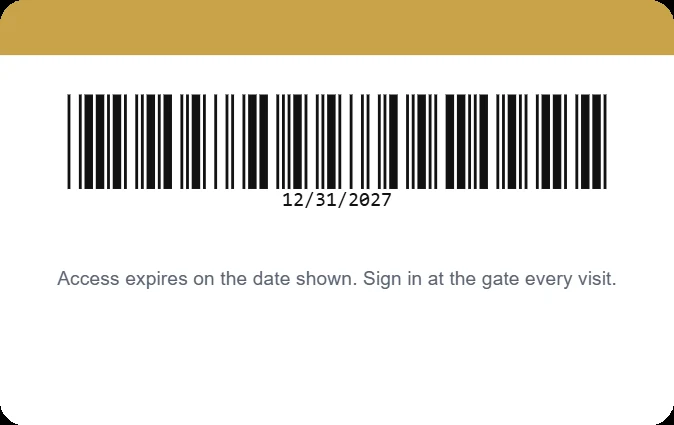
A gold CONTRACTOR header, a photo, the contractor's name and company, and an expiration date in a red block nobody can miss. The back has the expiration date as a barcode and a sign-in reminder for the gate.
Fields: First name, last name, company, expiration date, photo
Already know the layout you want? Start with an empty card at the right size, with the trim line and safe area showing, and add your logo, text, photo box and barcodes yourself.
Pick a template above and choose Use this template. The card builder opens with it loaded.
Replace the sample organization name with yours, and drop in your logo.
Decide whether every card is the same or different for each person. For badges with names and photos, choose Different per person. The name, photo and number boxes then show sample values, and the real ones come from your list later.
Check the front and the back. The builder shows the trim line and the safe area, and it warns you when a box is too small for a long name.
Download the front and back as images, or send the design to us. We reply within 24 to 48 hours with a price and a lead time. The minimum printed order is 100 cards.
What makes a good ID card
A big photo. A badge is read from across a hallway, and the face is the first thing people check. Make the photo as large as the layout allows.
The name on two lines. Last name large and first name smaller below it keeps the type big enough to read, even for long names.
One accent color. Use your brand color once, as a header, a stripe or a single block, rather than everywhere.
Personal details left off. Cards get lost. Print what the card needs to do its job and leave home addresses and birthdates off.
Barcodes with room around them. Print barcodes black on white with clear space on both sides, or scanners struggle. The builder handles the spacing for you.
Our post on how to make student ID cards walks through a full school ID program, from the roster to replacements.
ID card template size
A standard ID card is CR80: 3.375 by 2.125 inches (85.6 by 54 mm) with rounded corners, the same size as a credit card. If you design in your own software instead, set the page to that size, extend any background color 1/16 inch past each edge so nothing white shows after trimming, and keep text and logos at least 1/8 inch inside the edge. At 300 dpi the card is about 1011 by 638 pixels.
Printing the cards yourself
If you print badges on your own ID card printer, a template is still a useful starting point: lay it out here, download it, and set up the same layout in your card software. Our Card Imaging software prints straight from a spreadsheet with photos in its XS edition, which suits badges that change for each person. Need a printer? The printer finder narrows down the right one.
No printer, or a batch too big to run in house? Our ID card printing service prints the whole run from your list. Cards that are identical for everyone, in runs of 500 or more, are covered on our custom plastic cards page.
FAQ
ID card template questions, answered.
Are these ID card templates free?
Yes. Open any template in the card builder, edit it and download it at no cost, with no account. You only pay if you order printed cards from us.
Can I download a template?
Yes. Once a template is open in the card builder, the Download my proof button saves the front and back as 300 dpi PNG images.
Do you design ID cards?
No. The templates are a starting point, and you make the design your own. We print what you send, and we check it for print problems before anything is made.
What is the minimum order for printed cards?
100 cards. For fewer, download your design and print it on your own ID card printer.
Do you have vertical ID card templates?
Not yet. All five templates are horizontal. For a vertical badge, send your own finished artwork through our ID card printing service.
What size is an ID card template?
A standard ID card is CR80, 3.375 by 2.125 inches, the same size as a credit card. The templates are built at that size with the bleed and safe area already set.
Already have your own design?
Send print-ready artwork and your list, and we will quote the run. Printed orders start at 100 cards.