Explainer · 2026
Prox vs Smart Cards: What's the Difference?
Both open doors and look identical. What actually separates them on security, cost and capability, and how to tell which your readers use.
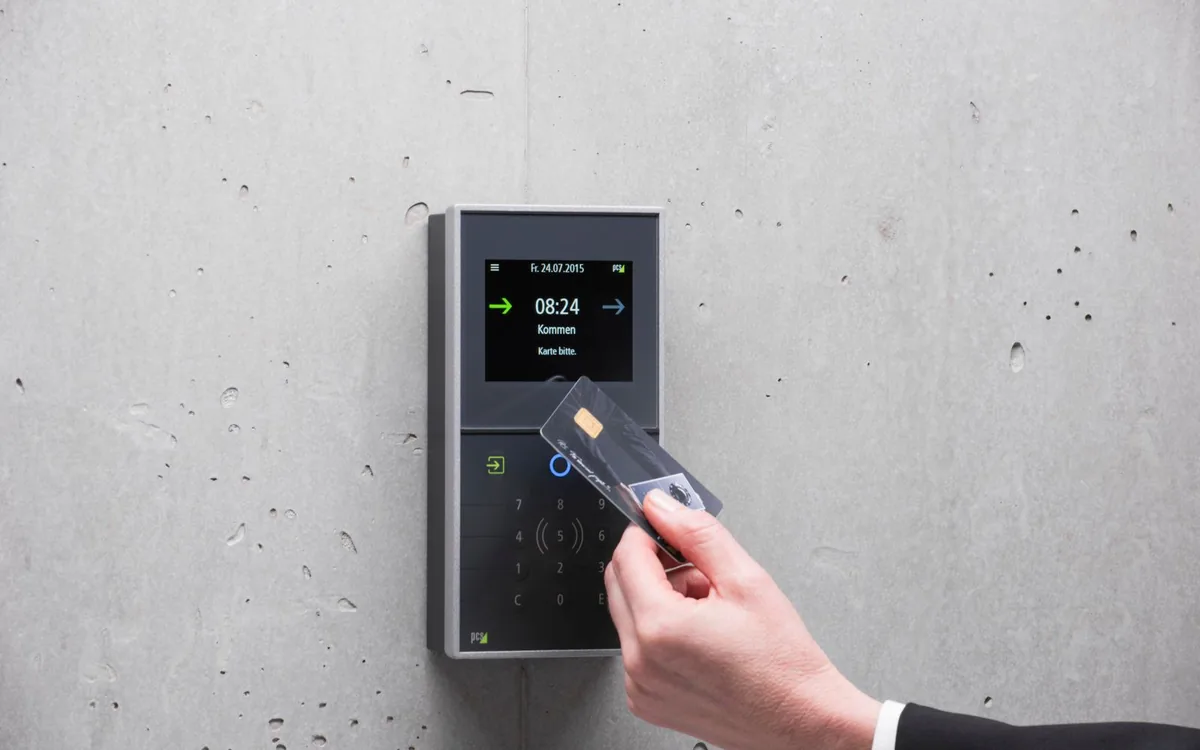
Both open doors. Both are contactless. They look identical in your hand and cost very different amounts, and picking the wrong one means cards that will not work with your readers. Here is the plain version. For the full detail on formats and encoding, our access credentials and encoding guide goes considerably deeper.
The one-line answer
A proximity card broadcasts a fixed number and nothing else. A smart card holds data, can be encrypted, and can do more than one job.
Everything else follows from that.
How proximity cards work
A prox card operates at 125 kHz. It has no battery. When you hold it near a reader, the reader's field powers a coil inside the card, and the card transmits a number back. The reader passes that number to your access control system, which decides whether to unlock the door.
That number is made of a facility code, which identifies your organization, and a card number, which identifies the individual. The most common arrangement is the 26-bit H10301 format, which has been the industry workhorse for decades.
The card does not know who you are, does not store anything, and cannot be updated. It is a number, transmitted on request, and that simplicity is both its strength and its weakness.
How smart cards work
Contactless smart cards operate at 13.56 MHz and contain an actual chip with memory. Rather than broadcasting a fixed number to anyone who asks, the card and the reader carry out a short exchange in which the reader proves it is entitled to ask and the card proves it is genuine.
Because there is memory on board, the card can hold more than an identifier. It can carry several credentials for different systems, store a value for cashless payment, or hold data the card issuer put there.
In the HID range this covers iCLASS, iCLASS SE and SR, and SEOS, with SEOS being the most current and most capable.
Security, honestly
This is the real difference and it is worth being direct about.
A standard prox card transmits the same number every time and does not verify who is asking. That means the number can be captured and reproduced by readily available equipment. This is not a theoretical weakness; it is a well-documented one.
Smart cards use mutual authentication and encryption, so capturing the exchange does not give you a card you can clone. The security is genuinely better by a wide margin.
Whether that matters depends on what is behind the door. Prox is perfectly reasonable on an internal office door, a car park barrier or a store room where the consequence of a copied card is low. It is not the right choice on a pharmacy, an evidence room, a server room, or anywhere the consequence is serious.
The pragmatic position, which is what most organizations arrive at: prox for general access, smart credentials for the areas that matter.
Cost
Prox cards are cheaper, usually by a meaningful margin, and that gap multiplies across a large population.
The gap is not only the cards. If you are running prox readers today, moving to smart credentials means replacing readers, which is normally a larger cost than the cards. That is the actual barrier for most organizations, and it is why so many are still running prox.
Where smart cards win on cost is when one card replaces several. If the same credential handles door access, cashless payment and a time clock, you are buying one card instead of three and issuing it once.
Which do you already have
Most people asking this question already have an installed system, in which case the answer is decided for you: buy cards that match your readers.
The quickest way to find out is to look at your existing cards. Part numbers are usually printed on them or on the box they came in. Failing that, look at the readers themselves, which carry a model number.
If neither helps, tell us the reader model and we can usually identify the technology from it. That is a two-minute conversation and considerably cheaper than a box of cards your doors will not accept.
What we can program
We program HID credentials, which covers HID Prox at 125 kHz, iCLASS SE and SR, and SEOS, in the common formats including 26-bit H10301 and 37-bit H10304.
Cards arrive encoded to your facility code and card number range, so they are ready to print and issue rather than needing a separate encoding step. For organizations that need to issue a card at short notice, holding a small reserve of pre-programmed stock turns a multi-day problem into a two-minute one.
We do not program generic MIFARE or non-HID contact chip cards. If your system uses something else, we would rather tell you at the start than sell you cards that will not work. Our prox and access card programming page has the detail.
The 26-bit ceiling, which catches long-established organizations
Worth knowing if you have been issuing for years.
The 26-bit format has a limited range of card numbers within a facility code. Organizations that have been issuing cards for a long time, or that have had multiple facility codes over the years, can run out of unique numbers.
The 37-bit H10304 format has a much larger range and is the usual answer. It is not a security upgrade, it is a capacity one, and it is worth planning before you hit the ceiling rather than after.
If you are choosing from scratch
New installation with no legacy readers, and you get to choose properly.
Our general advice is to go with smart credentials. The security difference is real, the price gap on cards is not large enough to outweigh it on a new system, and you are specifying something that will still be appropriate in ten years rather than something already known to be copyable.
The exception is a genuinely low-stakes application at high volume, where prox remains a sensible economical choice.
Whichever way you go, decide before buying the printer, because the card technology determines which encoder the printer needs and retrofitting an encoder is expensive and sometimes impossible. Our printer buying guide covers that, and the card and credential range shows what we stock in both technologies.
Running both at once
Most organizations that upgrade do not do it in one weekend, and they should not have to.
Multi-technology readers accept both prox and smart credentials, which lets you move at your own pace. New starters get smart cards, existing holders keep working, and you replace the old population gradually as cards are lost or reissued rather than in one expensive exercise.
The alternative, dual-technology cards carrying both a prox antenna and a smart chip, exists and is occasionally the right answer when different sites are on different systems and people move between them. It costs more per card, so it is worth checking whether staged reader replacement gets you there more cheaply.